TrackMaker601 – Navigation & Data Logging System for Bartington Grad-601 Magnetic Gradiometer
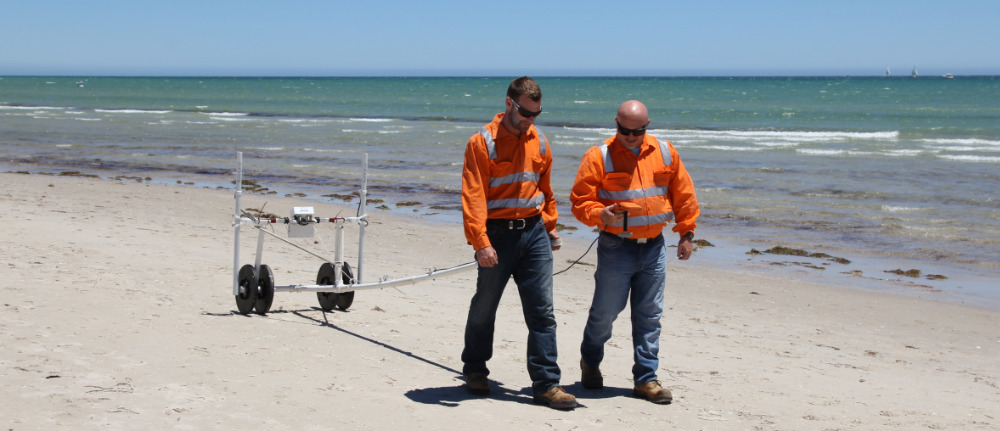
Bartington Grad-601 Standard Probes
The TrackMaker system for the Bartington Grad-601 consists of two separate but fully integrated programs:
Nav601 – field data acquisition and real-time navigationmapping software for Windows 11/10–based tablets and field laptops
TrackMaker601 – Windows-based data-processing and XYZ-file generation program
The Bartington Grad-601 fluxgate magnetic gradiometer is widely used for archaeological prospection, environmental magnetometry, forensic investigations, and near-surface magnetic surveys. Each Grad-601 console can operate with one or two probes, allowing flexible survey configurations and increased productivity on archaeological sites.
NAV601 – Field Data Acquisition & Navigation for Grad-601
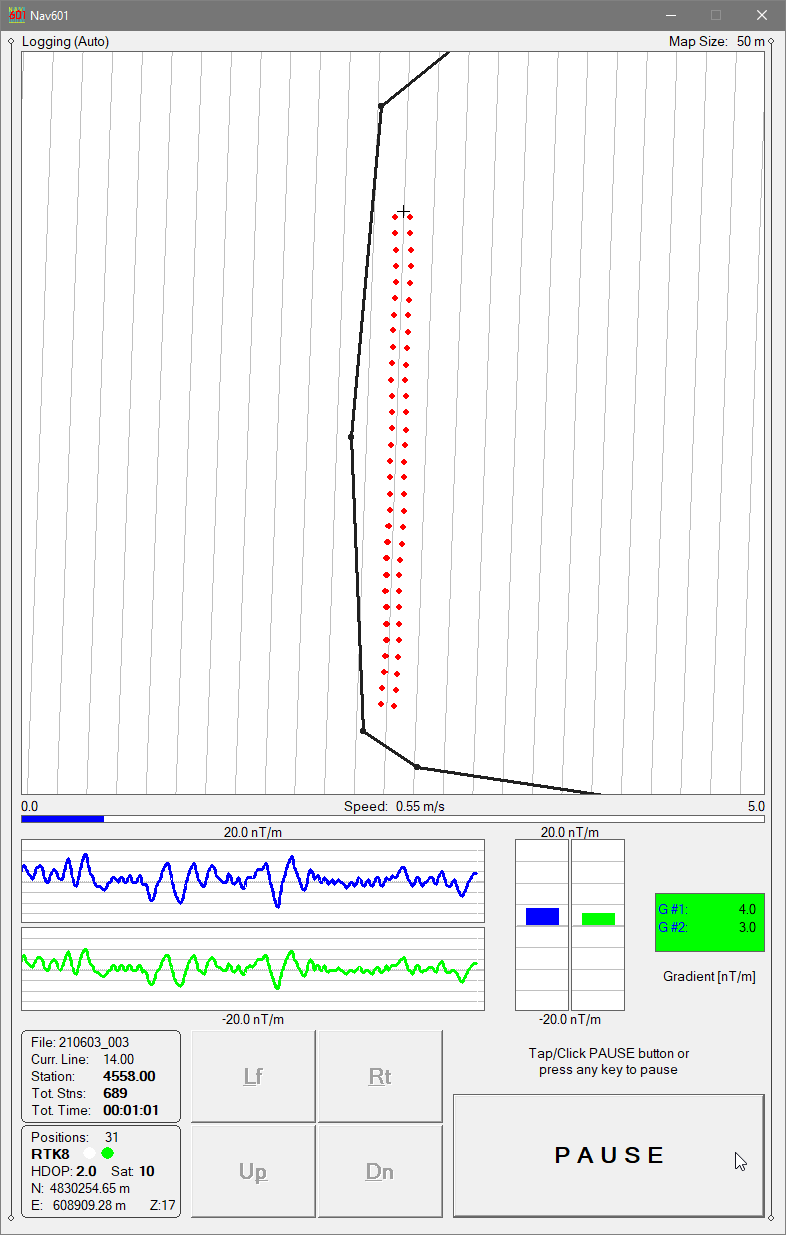
The NAV601 program provides precise navigation, real-time QA/QC, and synchronized magnetic + GPS data logging for Grad-601 surveys.
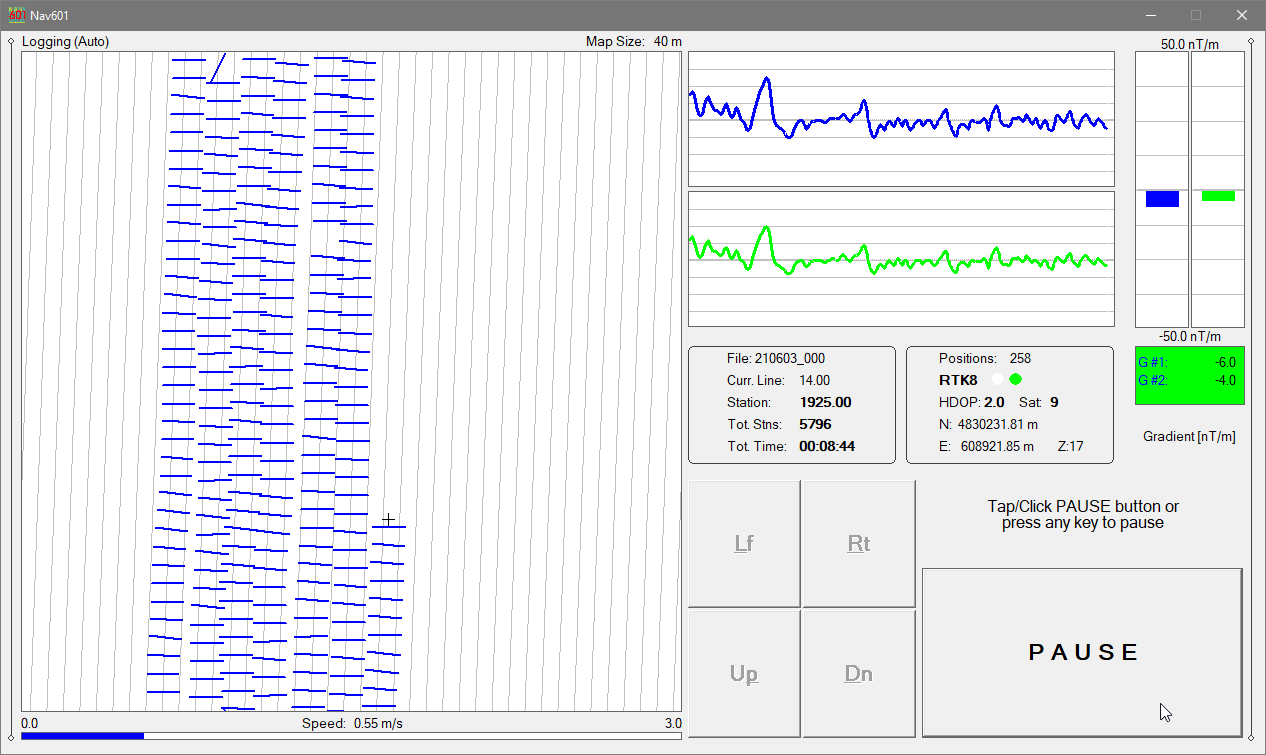
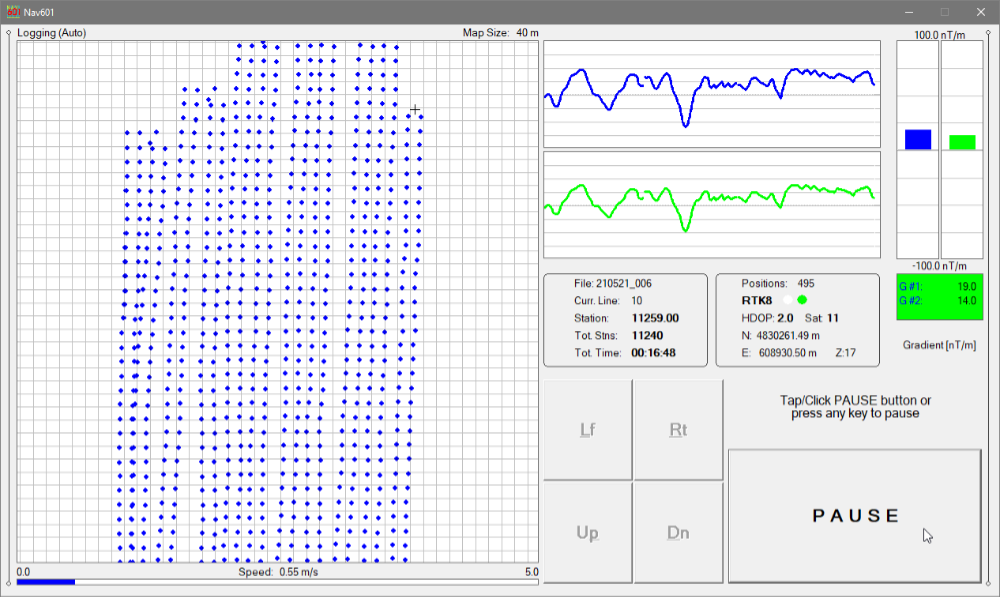
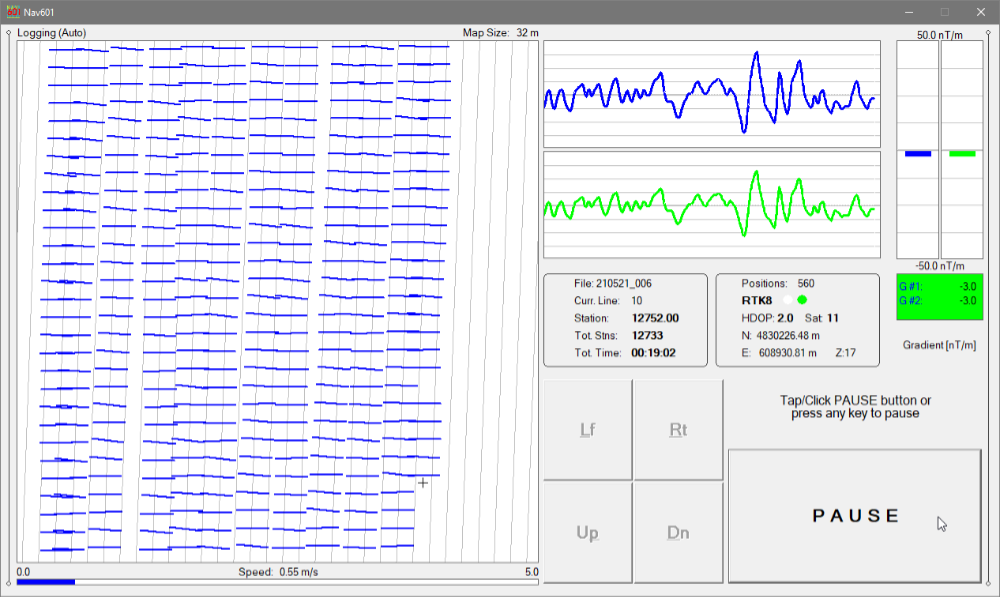
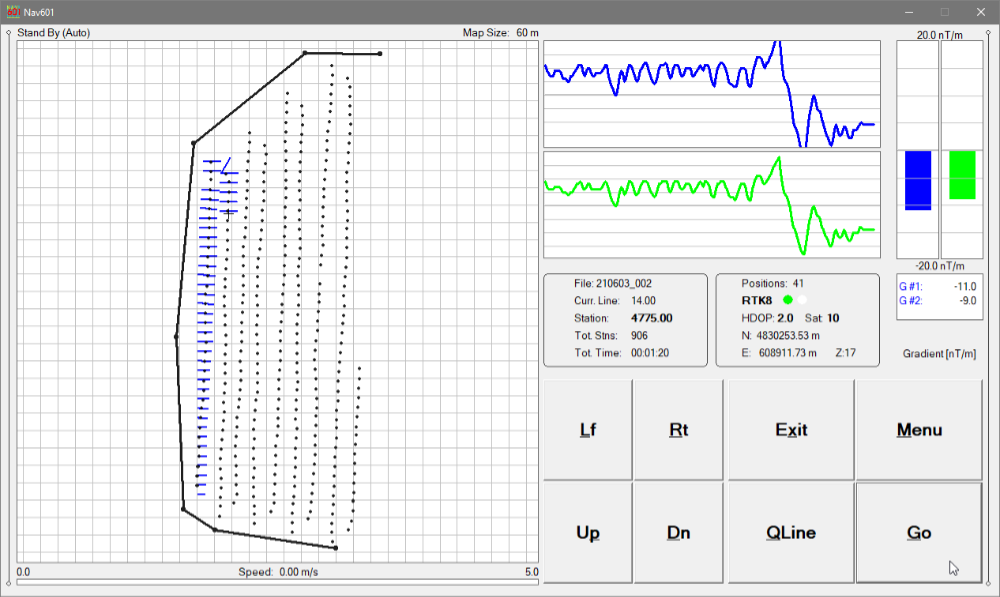
Survey coverage is displayed using:
Dots representing individual measurement stations, or
Swath bars representing the user-defined magnetic sensor footprint
This navigation-focused display allows operators to clearly control line spacing, coverage density, and survey progression, which is essential for systematic archaeological magnetometry.
Nav601 - Logging Mode, Swath Bars Indicate Recorded Positions
Navigation & Coverage Control
NAV601 guides the operator along uniformly spaced survey lines, helping to:
avoid skipped areas
prevent unnecessary overlap
maintain consistent archaeological grid geometry
Survey coverage remains visible at all times, even in poor visibility or at night.
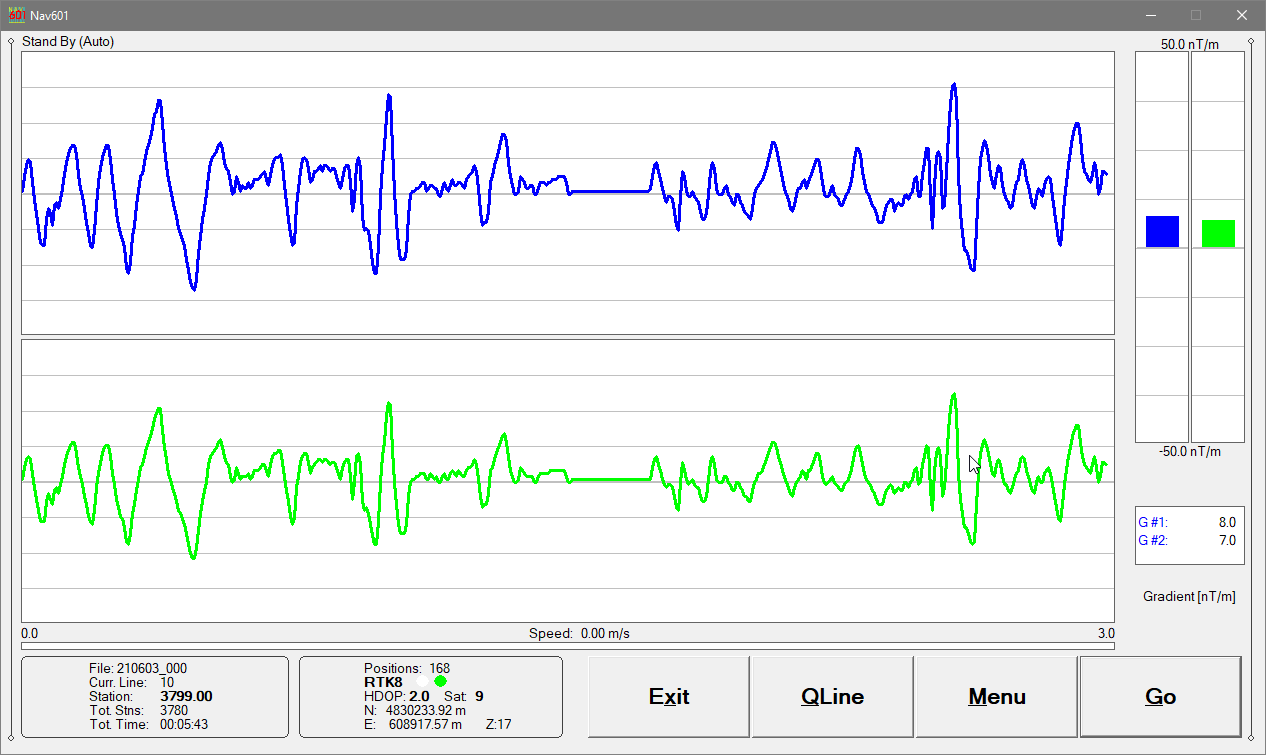
Profile View for Magnetic QA/QC
In addition to the map view, NAV601 provides a profile display of the Grad-601 magnetic data.
This mode allows the operator to:
assess data quality in real time
identify spikes, noise, or saturation
verify correct probe operation and sensor balance
Grad-601 channels (for one- or two-probe configurations) are displayed as moving graphic bars and numeric values, with continuous monitoring of instrument connection status.
GPS, RTK & Robotic Total Station Integration
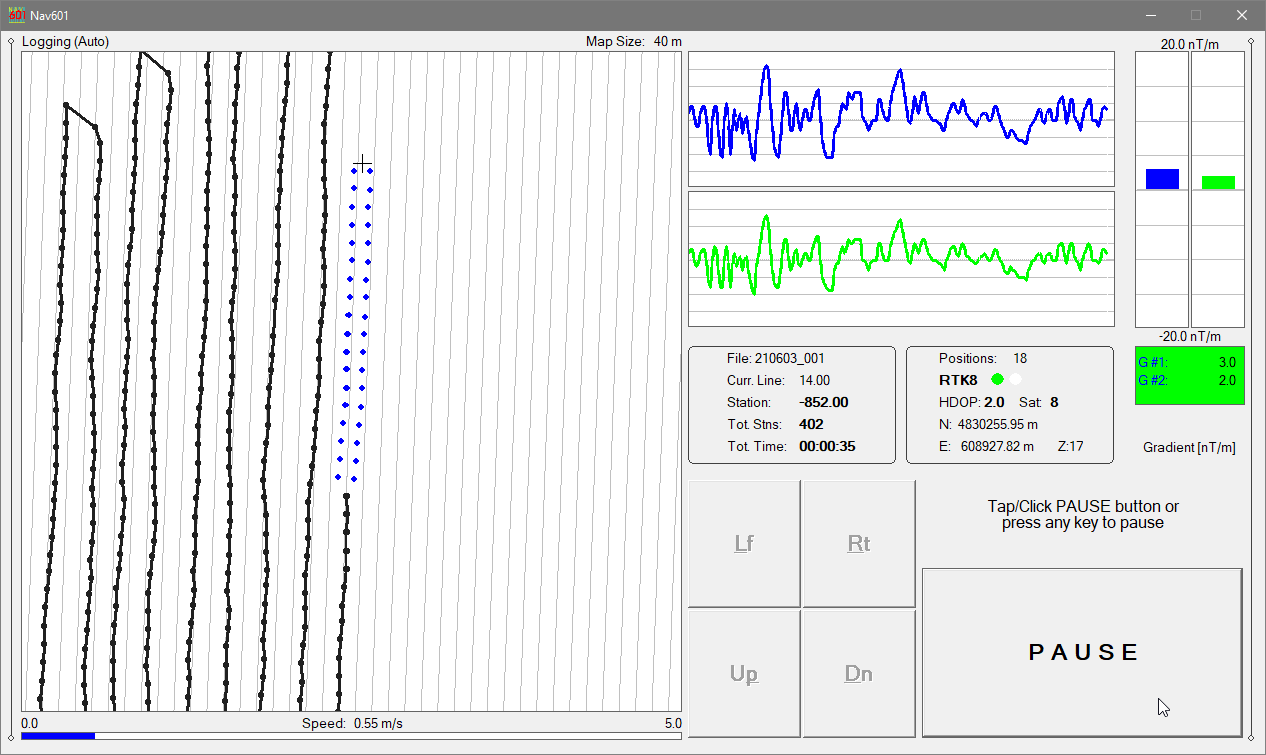
Nav601 - Extending Previous Data Set (Black Trace)
NAV601 works with virtually any GNSS/GPS receiver supporting NMEA messages (GGA, POS, GLL, LLQ, LLK, GGK), as well as Trimble and Leica Robotic Total Stations.
The program records magnetic data and positioning data simultaneously into a single file, ensuring accurate synchronization between Grad-601 measurements and survey geometry.
Displayed GPS information includes:
Latitude / Longitude or UTM coordinates
differential correction mode (DGPS, RTK)
PDOP (or equivalent)
satellite count
user-defined GPS Warning Mask status
NAV601 can also convert the field tablet or laptop into a stand-alone GPS/DGPS logger when the Grad-601 is disconnected, allowing mapping of site features, grid corners, or interpreted anomalies.
Archaeological Workflow Advantages
NAV601 is particularly well suited to archaeological investigations, where precise grid control and repeatability are critical:
Supports standard archaeological grid layouts
Allows reoccupation of previous grids or survey lines
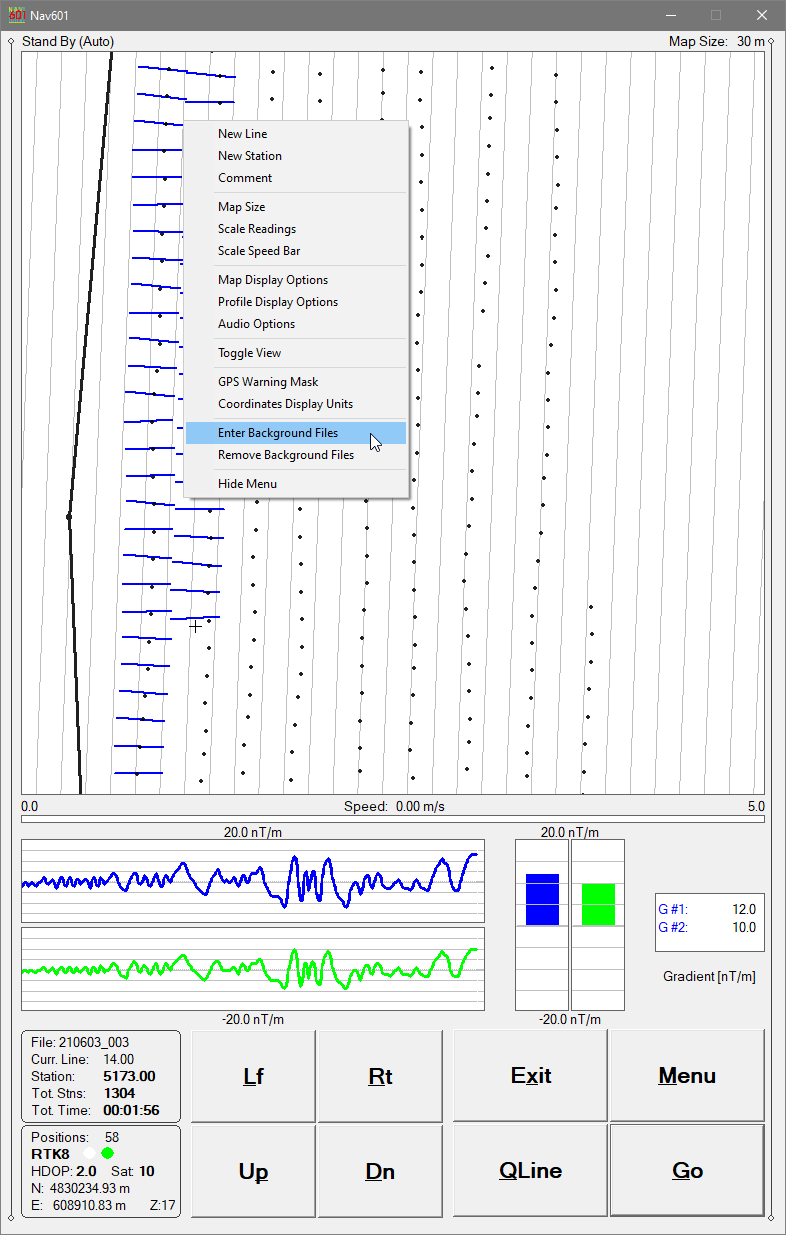
Displays external data files (previous surveys, excavation plans, interpreted anomalies)
Enables precise continuation after interruptions or obstacles
Operates reliably in low light or darkness
Up to 10 external files (from TrackMaker or other supported instruments) can be loaded to assist navigation and spatial context.
TrackMaker601 – Data Processing Software
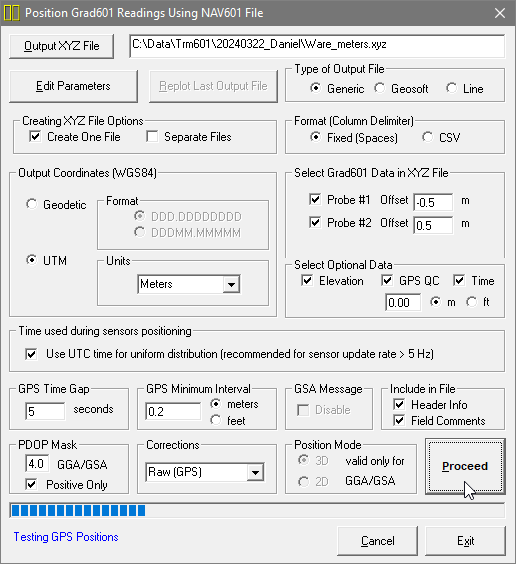
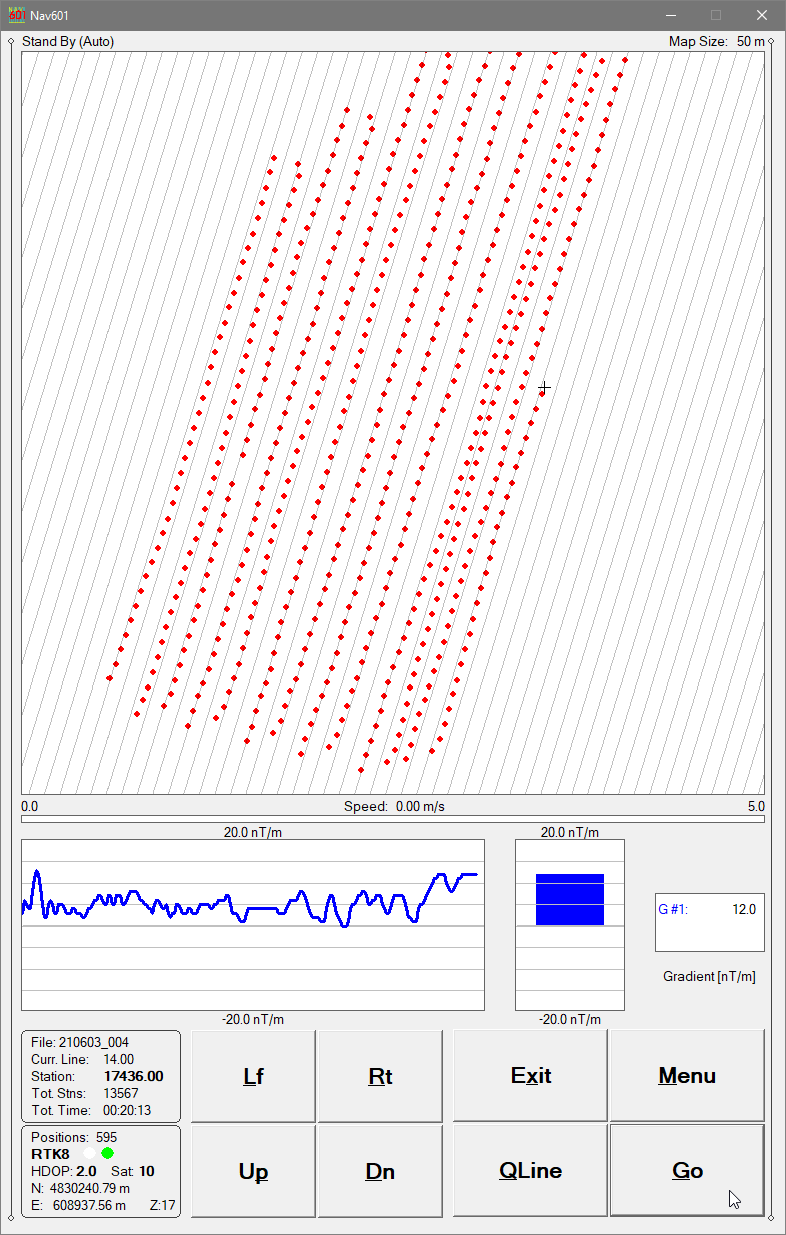
TrackMaker601 - Data Processing, Creating XYZ File
The TrackMaker601 program processes field data collected by NAV601 and accurately positions magnetic readings from each Grad-601 probe using:
recorded GPS/RTS coordinates (if available)
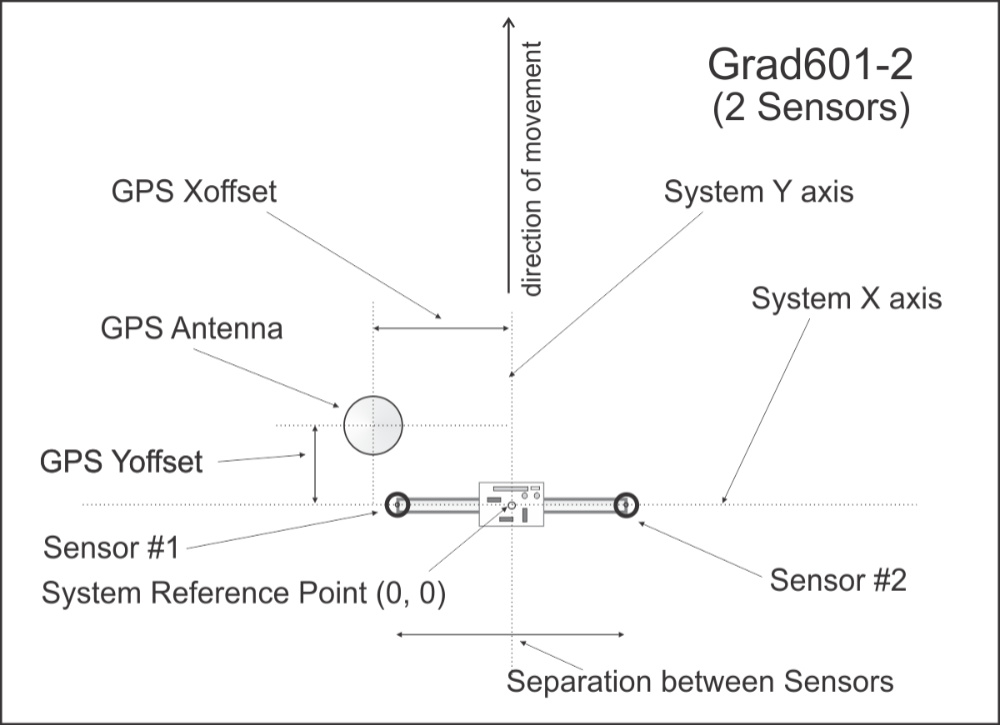
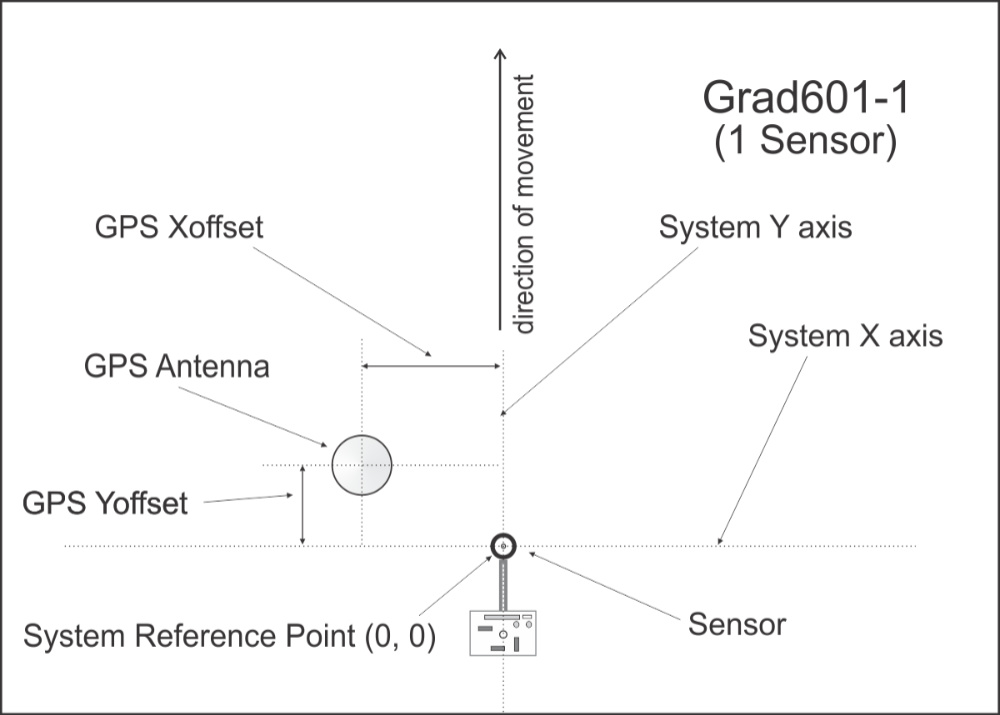
probe geometry and offsets
survey line direction and instantaneous heading
PDOP and differential-correction filters
GPS Time Gap and GPS Minimum Interval refinement
The result is a clean, georeferenced dataset suitable for archaeological interpretation and mapping.
Processing & Positioning Options
Position Using GPS Data
Apply GPS antenna offsets in any direction (editable during processing)
Include elevation data with antenna-height correction
Filter positioned data using PDOP (or equivalent) and correction type
Output coordinates in WGS84: Geodetic (Latitude / Longitude) or UTM (meters, feet, or US Survey Feet)
Position Without GPS (Grid-Based Surveys) (Used when surveys are conducted without a GPS receiver)
Position readings along S–N or W–E oriented survey lines
Edit survey line geometry with instant 2-D view updates
This mode is particularly useful for traditional archaeological grid surveys.
Additional Processing Functions
Export to general ASCII format
Convert GXY → ASCII (positions and elevations)
Retrieve and position field comments
Apply system Time Constant (lag) corrections
View, edit, and save full survey datasets
TrackMaker601 is compatible with data collected by NAV601 and earlier Windows Mobile TrackMaker versions, ensuring long-term continuity of archaeological projects.
Summary – Why TrackMaker601 for Archaeology
Designed specifically for systematic archaeological magnetometry
Clear navigation-based coverage control (dots / swath bars)
Profile view for real-time magnetic QA/QC
Supports single- or dual-probe Grad-601 configurations
Works with GPS, RTK, and robotic total stations
Ideal for research, CRM, rescue archaeology, and academic projects
Nav601 Demo Version
The Nav601 demo operates the same as the full version except that the included data file is short. Monitoring mode runs without time limits, allowing verification of: