RTmap31 – Real-Time Geophysical Survey System for Geonics EM31 Conductivity Meter
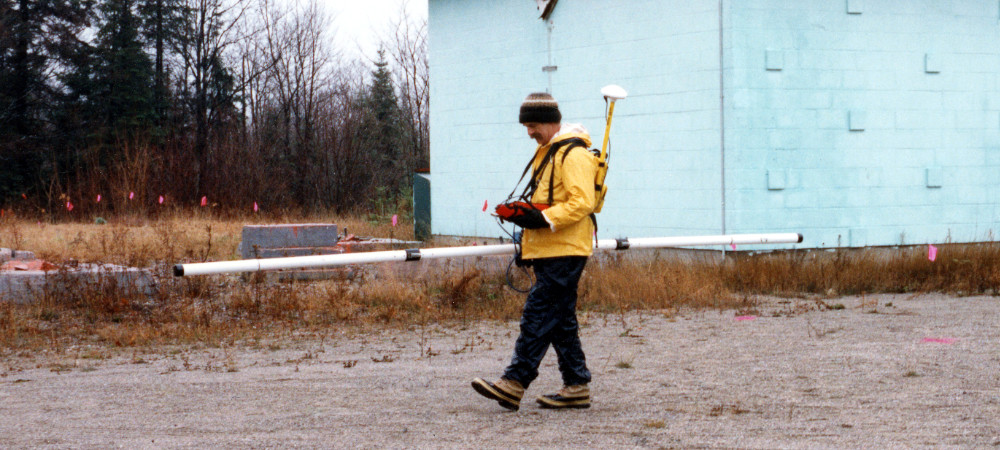
EM31-MK2 Survey
The RTmap system for Geonics EM31 consists of two separate but fully integrated programs:
RTmap31 – field data acquisition software for Windows 11/10–based tablets and field laptops (For Windows Mobile/CE versions, please see Legacy Programs.)
RTM31 – Windows-based data-processing software
RTmap31 Data Logging Software for Geonics EM31
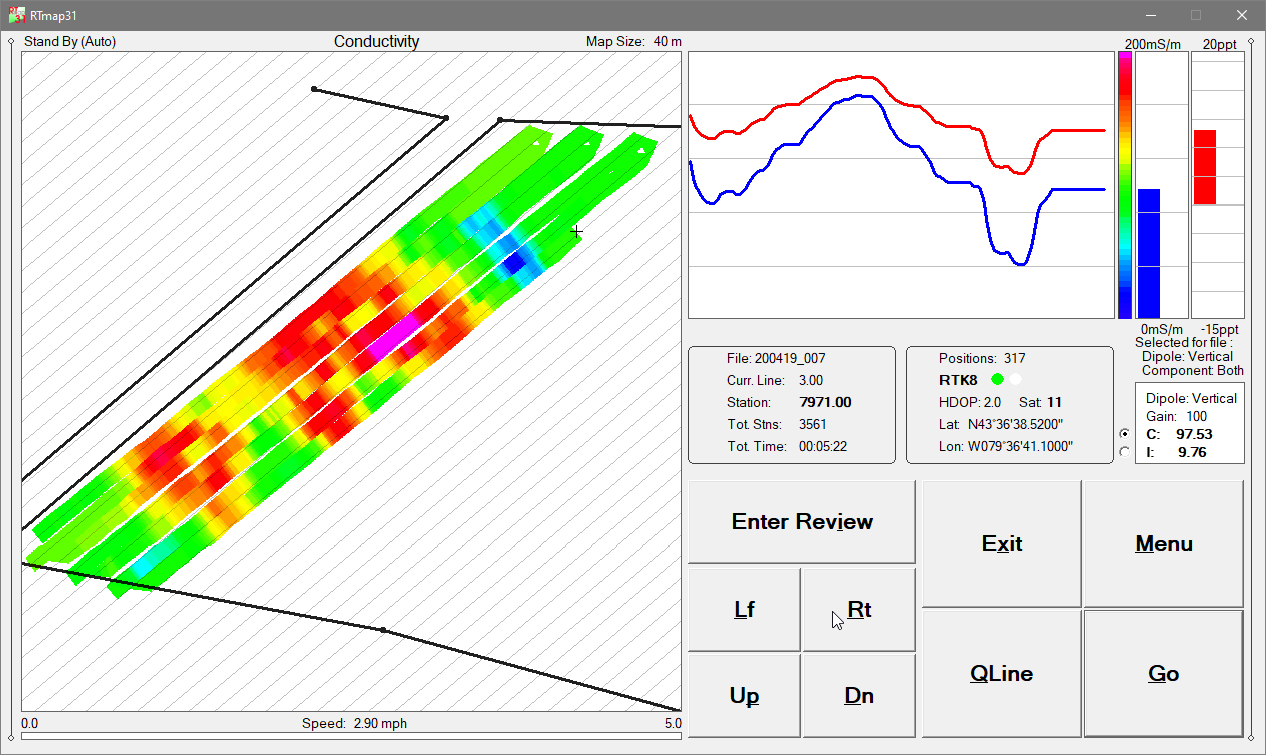
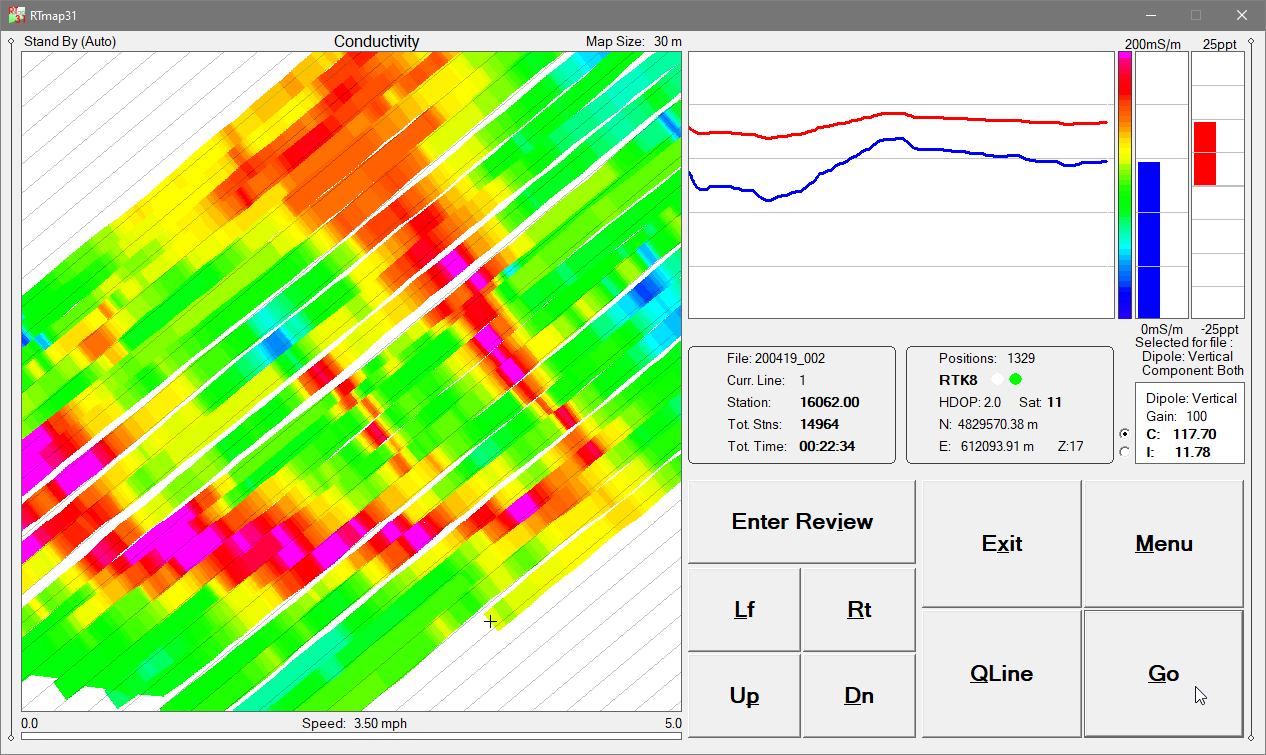
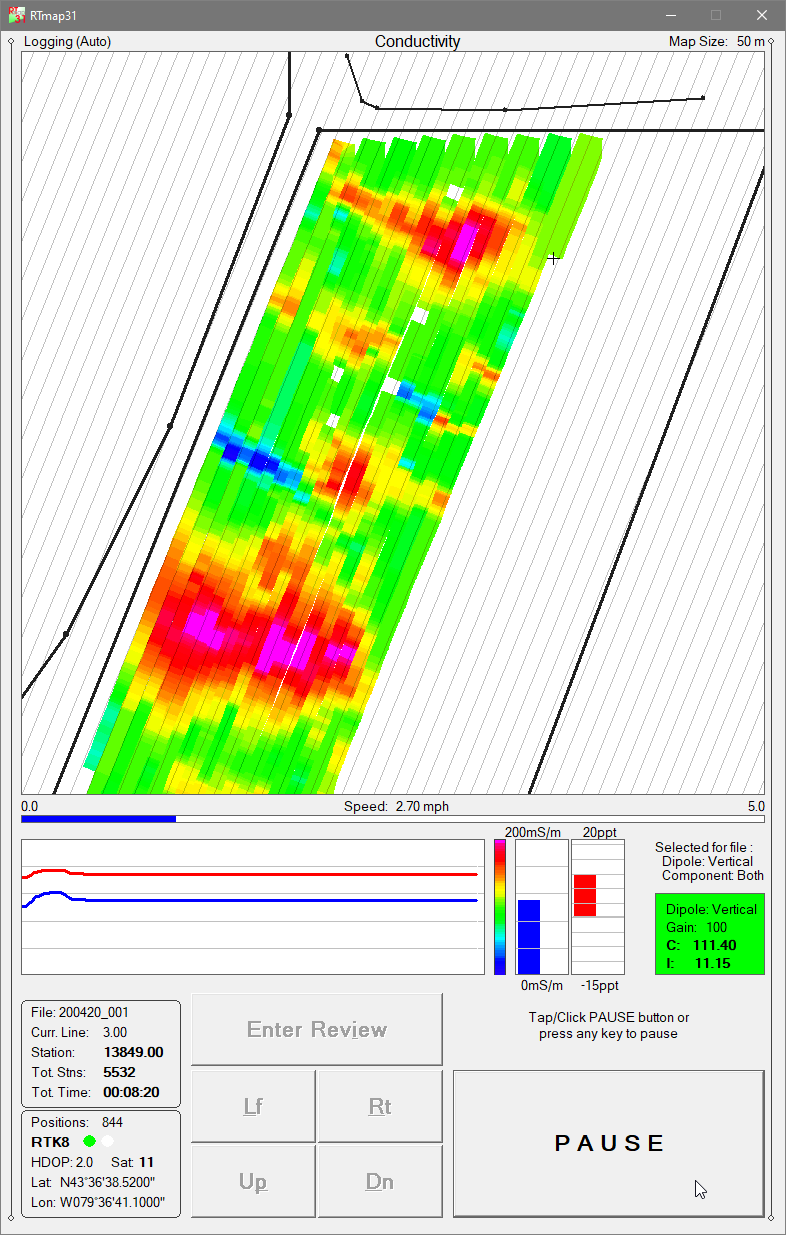
The RTmap31 system provides unmatched real-time QA/QC and field efficiency for EM31 surveys. A real-time spatial color image of EM31 measurements allows operators to adjust survey speed and coverage density instantly based on observed anomalies. RTmap31 improves survey productivity by guiding operators along uniformly spaced survey lines, preventing skipped areas and eliminating unnecessary overlap.
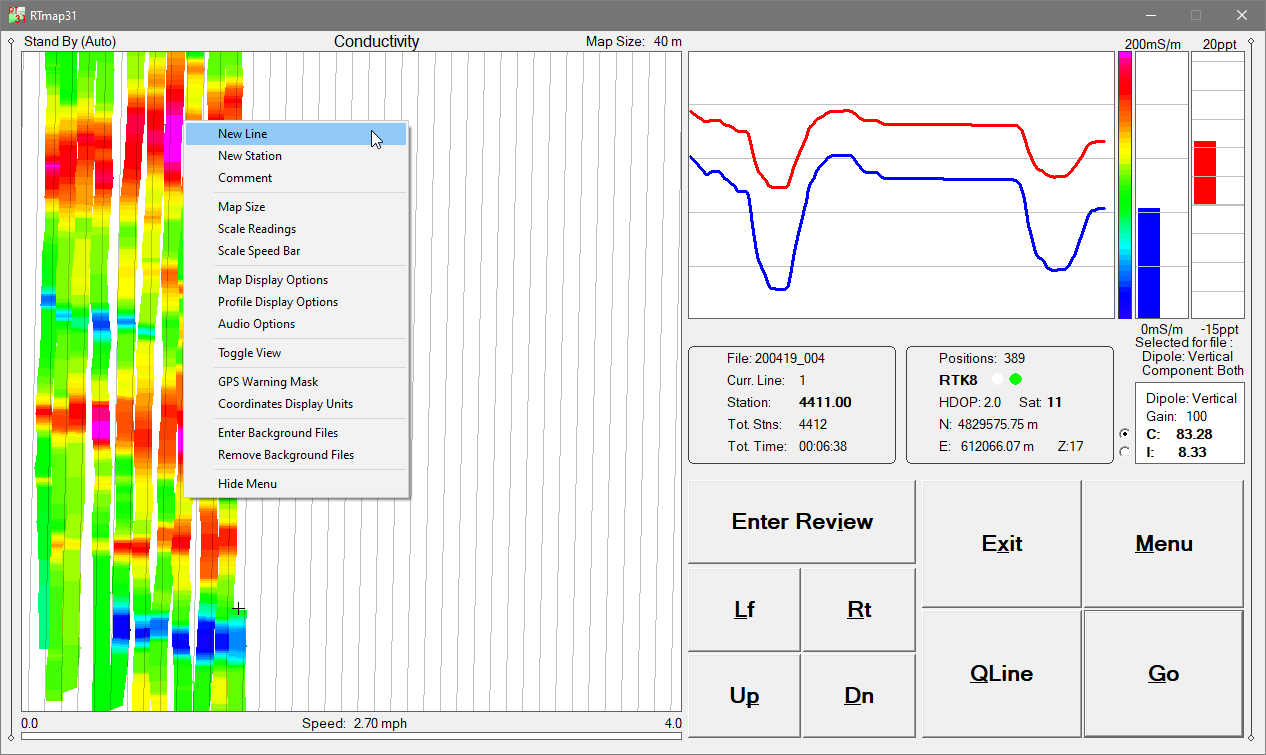
RTmap31 also provides full real-time control of EM31 instrument settings, EM31 data quality, and GNSS/GPS receiver parameters, including a user-defined GPS Warning Mask. Both the standard EM31-MK2 (3.66 m boom) and the EM31-SH (2 m boom) are fully supported.
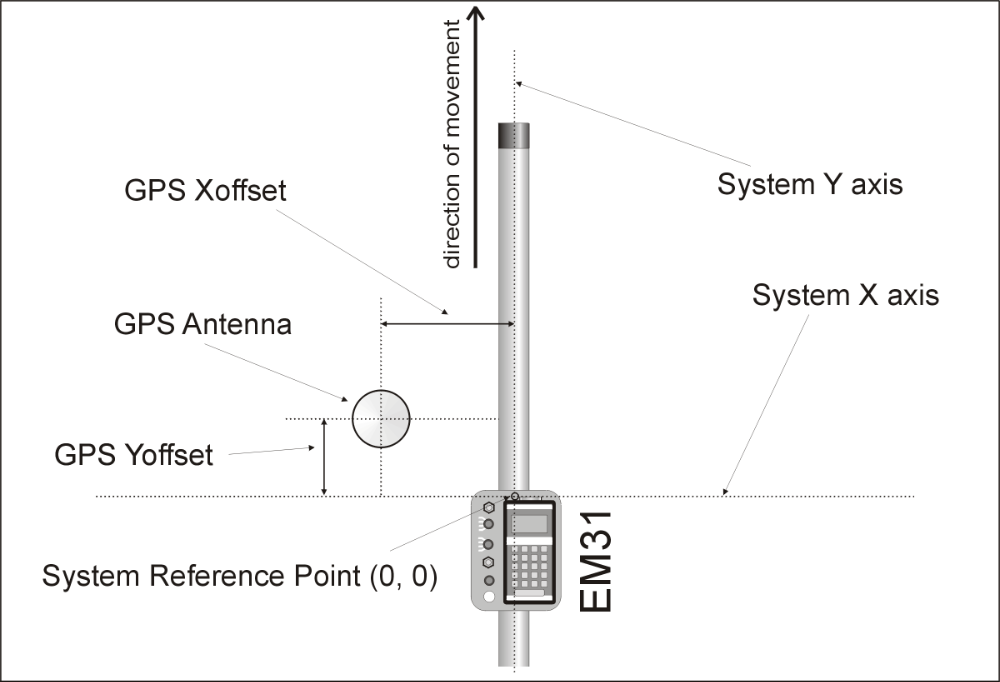
RTmap31 - System Geometry
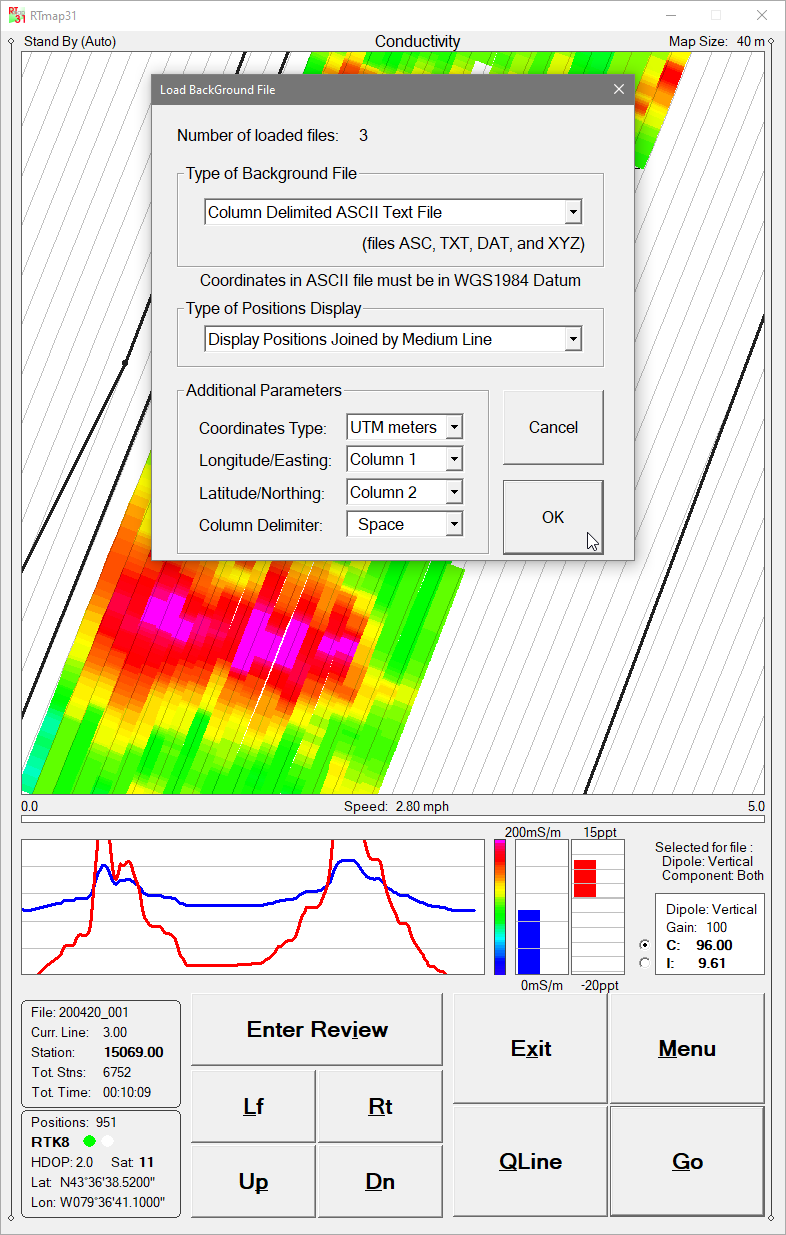
A file append function enables operators to load previously collected datasets and visually locate earlier survey stations and grid layouts, supporting accurate continuation or reoccupation of existing survey areas.
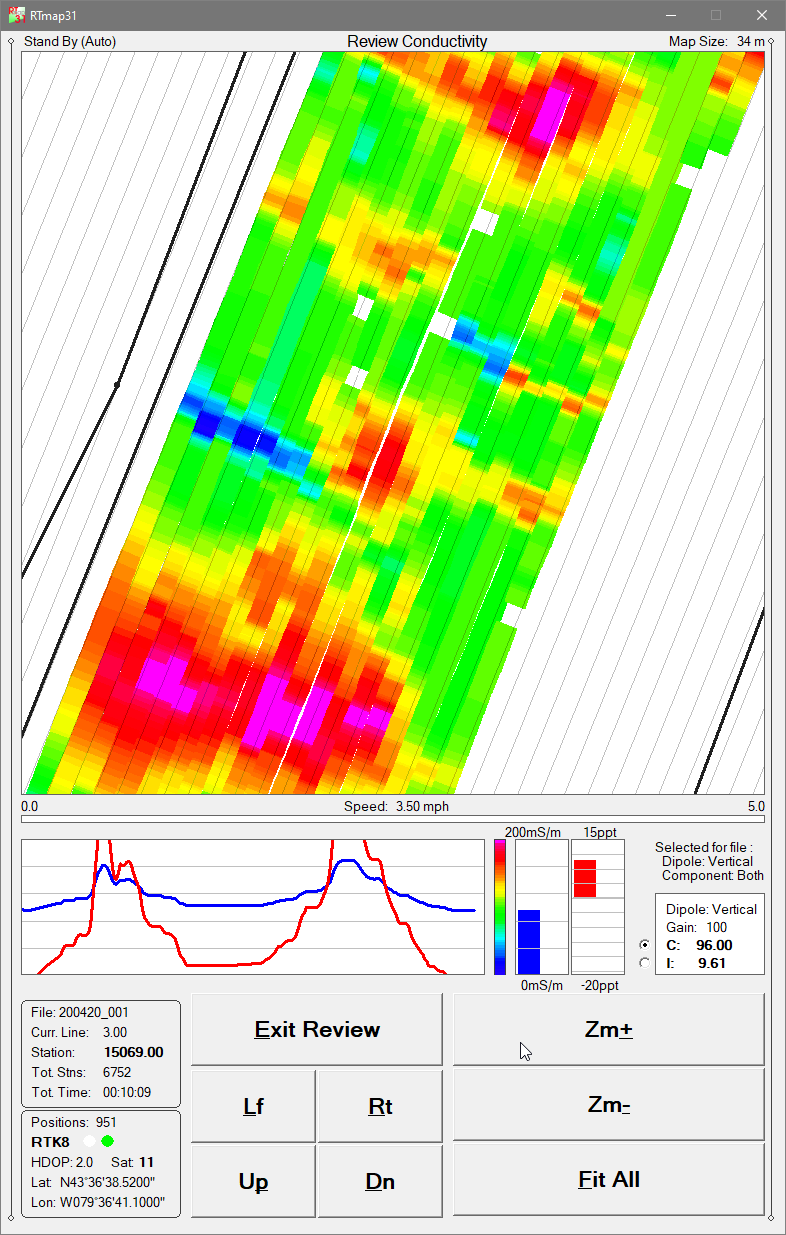
RTmap31 is compatible with virtually any GNSS/GPS receiver supporting NMEA messages (GGA, POS, GLL, LLQ, LLK, GGK), as well as selected robotic total stations. The software collects EM31 and GPS data simultaneously into a single file and displays a real-time color pseudo-grid of amplitude values.
When field obstructions occur, RTmap31 allows operators to resume survey lines at the precise location without tapes, stakes, or visual markers. Surveys can be completed reliably even under low visibility or in darkness while maintaining full control over coverage and EM31 data quality.
Additionally, RTmap31 can convert any supported field tablet or laptop into a stand-alone GPS/DGPS/RTK logger, removing the need for more expensive dedicated GPS equipment.
RTM31 Data Processing Software
The RTM31 program processes data collected by RTmap31. RTM31 accurately positions EM31-MK2 measurements using user-defined system geometry, recorded GPS positions, instantaneous heading, and user-specified filters.
This workflow produces high-accuracy, georeferenced datasets suitable for mapping, classification, buried-object detection, and clearance or reporting applications.
Key RTmap31 Features (Field Data Acquisition Program)
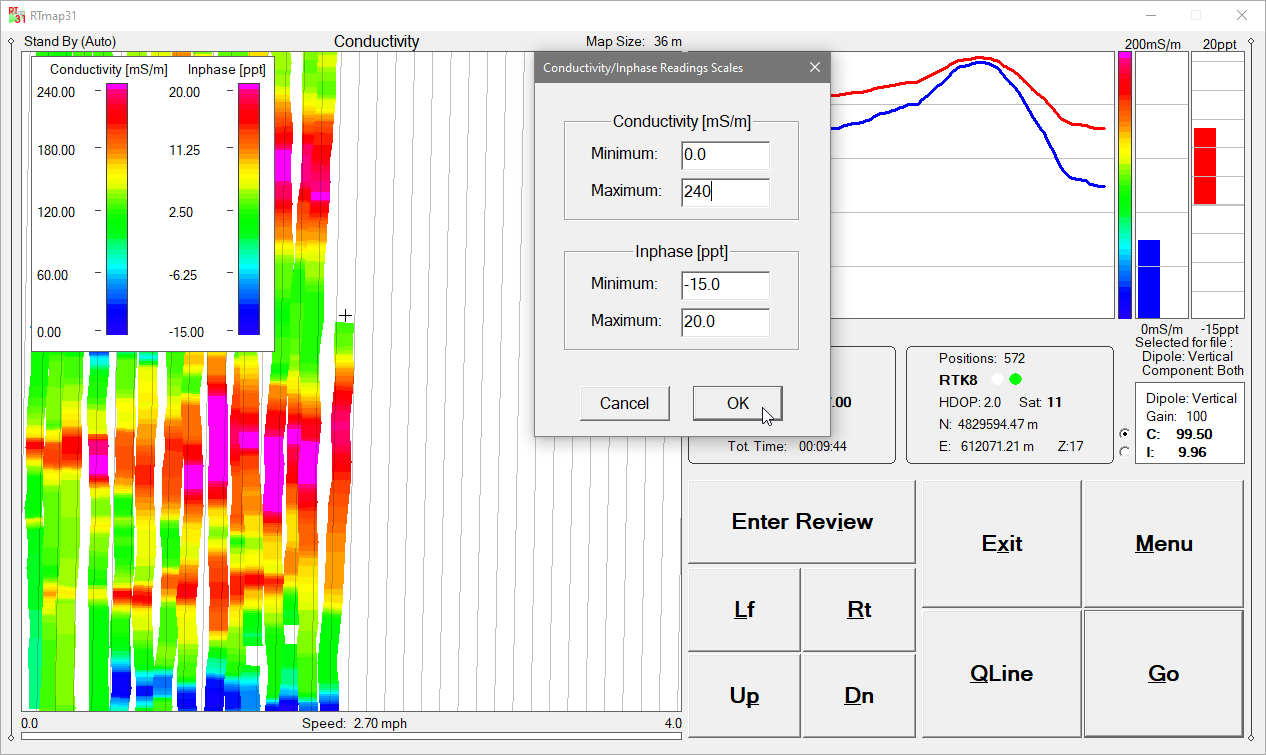
Real-time color imaging for EM31 Conductivity or Inphase amplitudes, with user-defined color scales
Real-time calculation and display of EM31 sensor offset relative to the GPS antenna
User-defined map scale (meters or feet), grid/guide-line spacing, tilt angle, and adjustable cursor band with automatic screen scrolling
EM31 Conductivity and Inphase displayed as moving graphic bars and numeric values; dipole mode and range continuously monitored
GPS antenna position displayed in Latitude/Longitude or UTM (m/ft), with differential correction mode (DGPS, RTK), PDOP/HDOP, satellite count, and GPS/RTS fix count
Continuous GPS signal monitoring and user-defined GPS Warning Mask
Support for up to 10 external background files (site limits, infrastructure, previous survey lines)
Map panning controls in all directions
Continuous visual and audible monitoring of EM31 console and GNSS/GPS receiver connections
Audio functions: Tik-Tak indicator for active data recording, Alarm Ring for EM31 or GPS disconnection, and Soft Alarm for GPS Warning Mask events
Review mode with pseudo-grid visualization, Zoom In/Out, Pan, zoom steps, and EM31 component selection
Map panning controls in all directions
Tablet-optimized interface with enlarged fonts, redesigned dialogs, and improved layout for touch and soft-keyboard operation
RTmap31 Demo Version
A RTmap31 demo program is available. The demo operates identically to the full version, except the data file is intentionally short. However, the monitoring mode runs indefinitely—allowing operators to test all hardware connections, GPS integration, and program performance with their system setup.