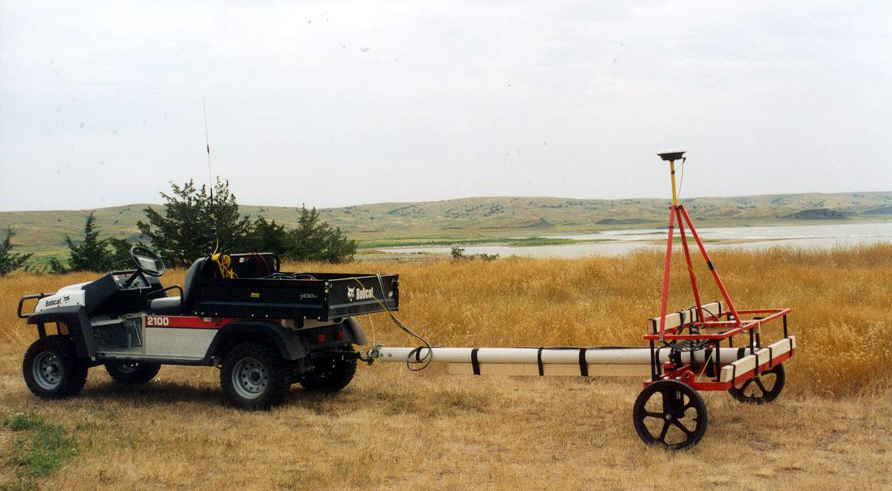
The Multi data logging system is designed for simultaneous operation of an array of geophysical sensors in various configurations. This approach enables a significant increase in survey productivity by acquiring data from multiple instruments at the same time. The software supports data collection from up to nine geophysical instrument consoles, together with one GNSS/GPS receiver and selected robotic total stations (RTS), allowing each survey line to cover a wide measurement swath. The Multi system consists of two programs: a field data acquisition component and a data-processing program.
The Multi field data acquisition program delivers unmatched real-time QA/QC and field efficiency by displaying a live spatial color map for all connected sensors simultaneously. This real-time visualization allows operators to immediately adjust survey speed and coverage density based on observed anomalies. In addition to wide-swath coverage, the software guides operators along uniformly spaced survey lines, minimizing missed areas and preventing unnecessary line overlap. At the same time, it provides full real-time control of all connected geophysical instrument outputs, data quality, and current instrument settings, together with comprehensive monitoring of GNSS/GPS receiver parameters and user-defined GPS warning masks.
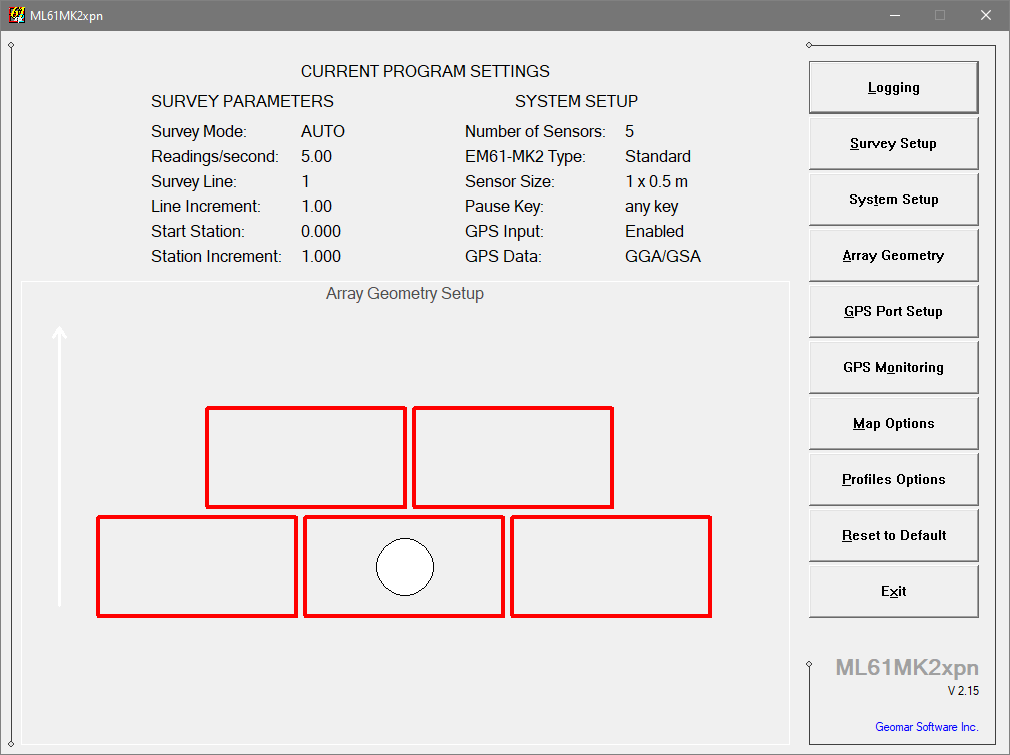
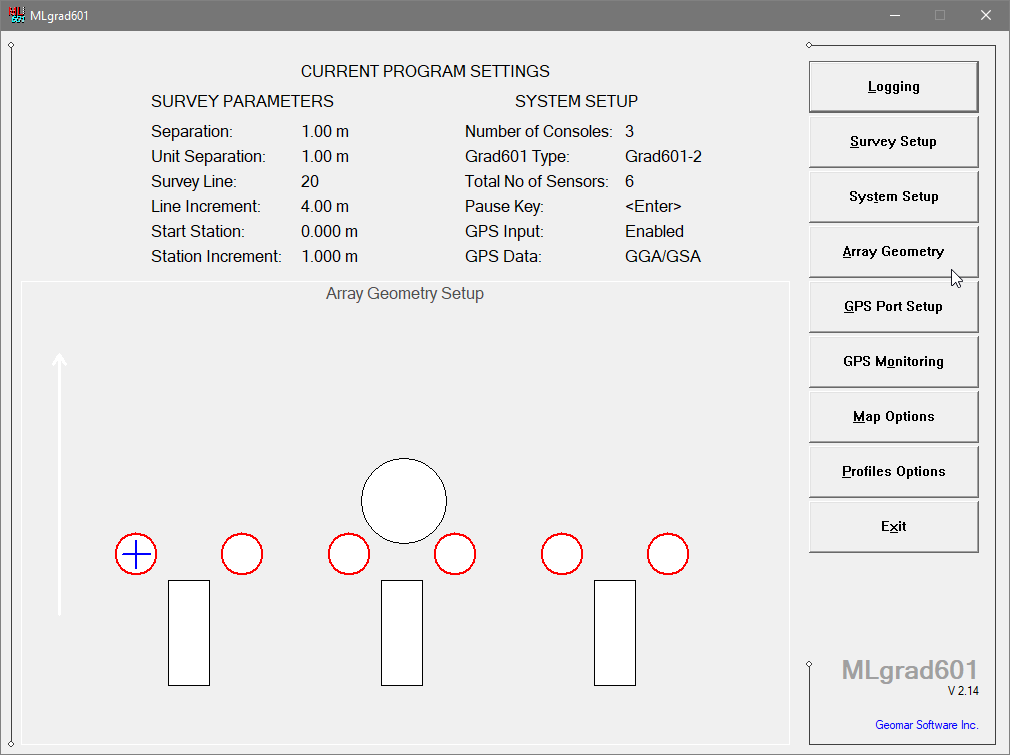
In the past, several proprietary Multi programs were developed to interface arrays of various sensors for specialized applications. Currently, two of the most widely used and commercially available Multi packages are offered: one designed for arrays of Geonics EM61-MK2 metal detector sensors (ML61MK2xpn) and another for arrays of Bartington Grad-601 gradiometers (MLgrad601). The ML61MK2xpn system is extensively used in UXO detection projects in both land and marine environments, while MLgrad601 is widely applied in archaeological investigations worldwide.
Each Multi software package is individually prepared and fine-tuned for its supported geophysical instruments. To learn more about the availability and features of a version designed for a specific instrument, select one of the items in the right-hand panel (or below when using a narrow screen).
Available Multi Programs